Demonstrations
Accueil > Support > System Requirements
System Requirements
HARDWARE AND SOFTWARE SPECIFICATIONS FOR SINAPSE SIMULATORS
Our simulators can be used with a PC or a MAC(1), running under Windows environment. with 1, 2 or 3 screens, according to the configuration
 If only one screen is hooked up, the user switches between the press console and the print copy screen : when the print copy screen is selected, it occupies the entire monitor until the user asks to return to the press console/print unit view.
If there are two screens hooked up simultaneously, the user sees the press console and print units on one monitor, and the print copy on the second monitor.
When using the double screen configuration, the mouse will move automatically from one monitor to the next : when it reaches the edge of one screen, it will appear on the other one.
Note : The single screen configuration uses only standard microcomputer hardware available from any manufacturer of PCs. The double screen configuration requires a special dual-display graphics card (see below).
One-Screen configuration
| Tower PC | Recommended configuration | |
|---|---|---|
| Processor | "INTEL CORE TM i12 or equivalent" | |
| RAM | 8 GB | |
| Monitor | "flat screen, native resolution of 1600 X 1200 Or Touch screen 20”" | |
| Operating system supported | Windows 10 or Windows 11 | |
| Mouse + Sound | Required | |
| DVD drive | Optional | |
| Graphics | 1280 x 1024, 16M Colors | |
Double Screen Configuration
(recommended )
The computer must have 2 DP output or additional graphics card with two integrated DVI display outputs
Some examples of cards that work with our simulators : : GeForce GT 620 or equivalent 2nd Monitor same characteristics as 1st Monitor
Note : The dual display card replaces the graphic card in the computer. For more information, please consult Nvidia web site http://www.nvidia.com/page/home.html
or AMD Graphics http://www.amd.com/us/products/Page...
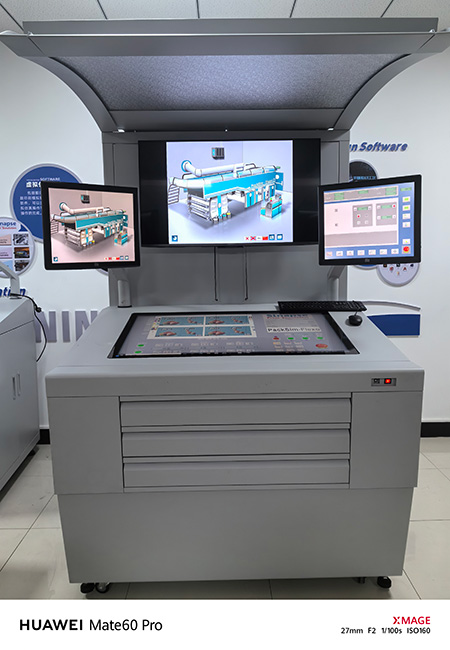
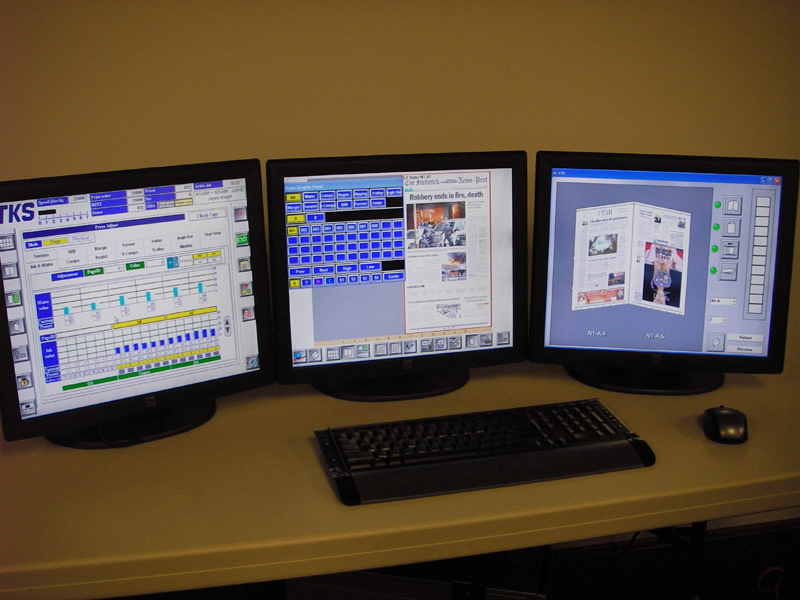
Touch Console Configuration (3 screens)
| Tower PC | Required configuration |
|---|---|
| Computer | DELL PRECISION SERIE 3000 |
| RAM | 8 GB |
| Monitor | "Mandatory screen models 1 screen ELO TOUCH ref 4243 L 2 screens ELO TOUCH ref 1915 L" |
| Operating system supported | Windows 10 or Windows 11 |
| Mouse + Sound | Required |
| DVD drive | Optional |
| Graphics | 3 DP output or 3 mDP |
An additional software module is required for each simulator.
Configuration compatible with Touch Console for SHOTS, HEATSET, and FLEXO.

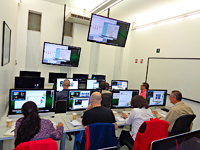
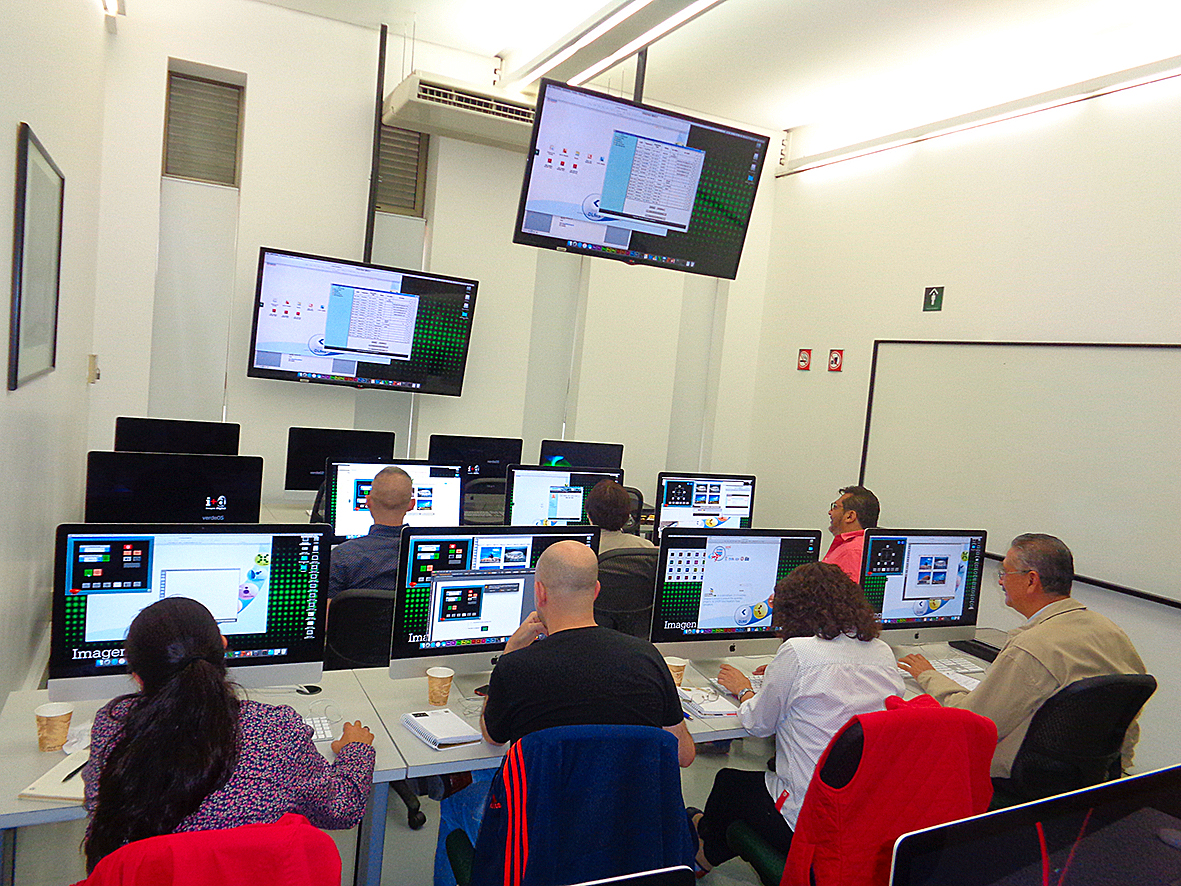
- Example of installation on MACs for Cloud version use, Mexico.
- Click to enlarge
CLOUD Version
Simulators are now available in the Cloud. It allows to run the software from any device, such as a PC, a MAC and tablets. No local installation required.
| CLOUD Version | Recommended configuration |
|---|---|
| Computer | "PC, Macbook, Imac, IPAD Pro or android tablet" |
| RAM | 4 GB to 8 GB, according to operating system |
| Monitor | "flat screen, native resolution of 1600 X 1200 Or Touch screen 20” (2 screens configuration supported)" |
| Operating system supported | "PC : Windows 10 or Windows 11 MAC : OS Mojave or equivalent IPAD : iOS 10.0 or Higher ANDROID : 8.0 or higher " |
| Mouse + Sound | Required |
| DVD drive | Not required |
| Graphics | 1280 x 1024, 16M Colors |

- HARDWARE AND SOFTWARE SPECIFICATIONS FOR SINAPSE SIMULATORS

- CONFIGURATION MATÉRIELLE et LOGICIELLE DES SIMULATEURS SINAPSE

- HARDWARE- UND SOFTWARE- SPEZIFIKATIONEN FÜR SINAPSE SIMULATOREN

- ESPECIFICACIONES DE HARDWARE Y SOFTWARE PARA LOS SIMULADORES DE SINAPSE